
A long-time O’Fallon community member just mailed a generous $5,000 check to your non-profit. The next morning, because your event management software and your email marketing platform aren’t communicating, that same donor receives an automated, generic email asking them to “chip in $5 to help us reach our goal.”
It’s a frustrating, all-too-common occurrence that damages relationships. In fact, industry data shows that average donor retention has dropped to roughly 45%. Non-profits aren’t losing donors because their missions aren’t worthy; they are losing donors because their technology is failing to support “relationship intelligence.”
For small to mid-sized non-profits in O’Fallon, managing a lean budget while trying to modernize operations can feel like walking a tightrope. You know you need a reliable Constituent Relationship Management (CRM) system, but the jump from familiar spreadsheets to complex platforms like Salesforce or Blackbaud is intimidating.
Here is the secret most software vendors won’t tell you: having the software is not the same as knowing how to implement, integrate, and support it. Let’s explore how to navigate the non-profit technology landscape, escape the hidden costs of “free” software, and use proactive IT support to turn your CRM into a donor retention engine.
The Spreadsheet Tipping Point and The “Data Silo” Tax
Every great O’Fallon non-profit starts with a spreadsheet. It’s free, it’s easy, and it gets the job done. But eventually, every growing organization hits “The Spreadsheet Tipping Point.”
This tipping point occurs when the manual effort required to maintain your data starts costing you more money than buying a CRM would. You’ve hit this point if:
- You have passed 100 recurring donors and tracking their histories is becoming chaotic.
- A staff member has accidentally overwritten critical contact information.
- It takes your team more than an hour to pull a mailing list for your annual appeal.
When spreadsheets break down, organizations often adopt disjointed tools to plug the gaps: Eventbrite for events, Mailchimp for newsletters, and a basic payment processor for donations. This creates a “Data Silo Tax.” Disconnected systems destroy the holistic view of your donor profiles, leading to disjointed donor experiences, compliance vulnerabilities, and an exhausted staff trying to manually bridge the gaps.
Demystifying “Free”: The True Cost of a Non-Profit CRM
When researching CRMs, it’s easy to be drawn to platforms offering deeply discounted or “free” licenses for 501(c)(3) organizations. For example, Salesforce famously offers 10 free licenses to non-profits. However, this is where many organizations fall into the “Non-Profit Tech Debt Trap.”
To budget accurately, you must look at the True Cost of a CRM, which is broken down into three categories:
- Subscription Fees: The monthly or annual cost to access the software (often what is discounted).
- Implementation Costs: The initial expense to configure the architecture, migrate your messy spreadsheet data, and set up the platform to match your specific workflows.
- IT Support & Security: The ongoing cost of ensuring the system communicates with your existing technology, keeping donor Personally Identifiable Information (PII) secure, and training your staff.
A “free” license can routinely cost thousands of dollars in hidden implementation and IT support if you don’t have a proactive plan in place.
The Platform Showdown: Which CRM Fits Your Lean Budget?
Choosing the right CRM depends entirely on your mission’s specific needs, your internal bandwidth, and your IT infrastructure. Here is an objective look at the landscape:
The Legacy Giant: Blackbaud
- The Good: Blackbaud is incredibly robust, specifically designed for non-profits, and excels at complex major gift tracking and fund accounting.
- The Challenge: It can be expensive for a smaller O’Fallon non-profit. It is also known for creating a restrictive ecosystem, sometimes making it difficult to integrate seamlessly with third-party tools like Constant Contact without specialized IT help.
The Customizable Titan: Salesforce (NPSP)
- The Good: Unmatched customization. With its 10 free licenses for non-profits, it feels like an incredible deal. It can integrate with virtually anything.
- The Challenge: Salesforce is a blank slate. You are getting an enterprise-grade database, but it requires expert IT configuration to make it work for a non-profit. Without an implementation budget, organizations quickly become overwhelmed.
The Agile Alternatives: Bloomerang, Givebutter, & Kindsight
- The Good: These modern platforms are built specifically for smaller organizations. They often feature flat-rate pricing, intuitive interfaces, and built-in payment processing.
- The Challenge: While easier to use out of the box, as your non-profit scales, you will eventually need localized IT support to ensure these cloud platforms comply with data privacy standards and integrate with your broader operational networks.
The Proactive IT Difference: Moving from Break/Fix to Mission Growth
Here is the ultimate “aha moment” for non-profit leaders: Software does not fix broken processes; proactive IT does.
Treating IT as an unpredictable “break/fix” expense drains your resources. When a network goes down or a donor database throws an error, your staff stops working on the mission and starts playing amateur tech support. By partnering with a proactive IT support provider, you transform technology into a strategic asset that actually increases your fundraising capacity.
For instance, ThrottleNet operates differently than a standard help desk. We believe in providing multi-tiered IT support designed for speed and accuracy.
Why IT Architecture Matters for Non-Profits
- Virtual Chief Information Officer (vCIO) Strategy: Instead of just selling you a service, a dedicated vCIO acts as your fractional CTO. They help you build a technology roadmap, map your lean budget to the right CRM, and ensure your tech investments align with your mission.
- Rapid Response: With an industry-leading 90-second average response time and a 93% same-day resolution rate, your staff doesn’t wait around for technology to work. They stay focused on serving the O’Fallon community.
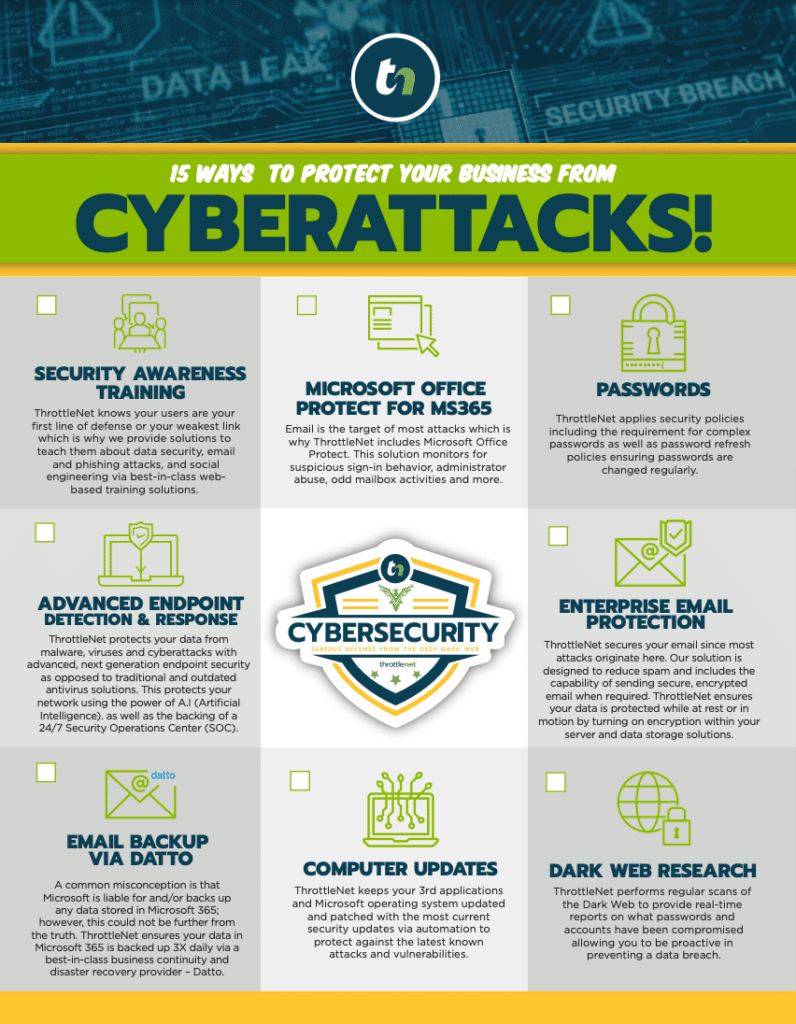
- Enterprise-Grade Cybersecurity: Non-profits are prime targets for cyberattacks because they hold valuable donor PII. Ensuring compliance and security isn’t optional. ThrottleNet embeds cybersecurity into our framework, including a 24/7 Security Operations Center (SOC) and an exclusive $500,000 Cybersecurity Protection Program, ensuring your donor data is never compromised.
- Centralized Command: Utilizing tools like the TN TechHub dashboard, non-profits gain an intuitive, all-in-one portal to track support tickets, monitor IT performance, and collaborate strategically with their vCIO.
The Spreadsheet Escape Plan: 5 Steps to Migration Readiness
If you are ready to move away from fragmented spreadsheets, don’t just buy a software license and hope for the best. Follow this proactive checklist to ensure a smooth transition:
- Audit Your Tech Debt: List every application your team currently uses (spreadsheets, email marketing, event ticketing, payment processors). Identify where data overlaps or gets lost.
- Clean Your Data Now: Before migrating to a CRM, standardize your current spreadsheets. Merge duplicate records, delete outdated contacts, and ensure consistent formatting for names and addresses.
- Define Your Must-Have Integrations: Does your new CRM absolutely need to talk to QuickBooks? Must it integrate with your website’s donation form? Document these requirements.
- Establish a Security Baseline: Work with your IT partner to ensure that whoever has access to the new CRM is operating on secure, monitored networks with Multi-Factor Authentication (MFA) enabled.
- Budget for Training and Support: Allocate a portion of your technology budget to ongoing IT support. A system is only as good as the staff trained to use it safely.
Frequently Asked Questions (FAQ)
What is the best CRM for a small non-profit?
There is no one-size-fits-all answer. The “best” CRM depends on your specific goals. If you prioritize major gift tracking, Blackbaud is powerful. If you want endless customization and integrations, Salesforce is a strong contender. If you need something intuitive out-of-the-box, agile platforms like Bloomerang may be best. The true key to success is ensuring you have the IT support to implement it correctly.
How much does Salesforce actually cost to implement?
While Salesforce offers 10 free licenses to eligible 501(c)(3) organizations, implementation is rarely free. Depending on the complexity of your data migration and the integrations required, implementation consulting can range anywhere from $5,000 to over $20,000. It is crucial to budget for expert configuration to avoid a failed launch.
How do we ensure donor PII is secure under lean budgets?
Security shouldn’t be an expensive add-on; it should be foundational. You can protect PII by implementing strict access controls, enforcing Multi-Factor Authentication (MFA), conducting regular security awareness training for your staff, and partnering with an IT provider that offers 24/7 network monitoring and comprehensive cybersecurity protection frameworks.
How do we move donor profiles from a legacy system to a cheaper alternative?
Data migration requires careful mapping. You must export your legacy data into a standardized format (usually CSV), clean the data to remove duplicates, map the old fields to the new CRM’s architecture, and run a test migration before fully switching over. A proactive IT partner can manage this technical heavy lifting safely.
Ready to Elevate Your Non-Profit’s Technology?
Your mission in O’Fallon is too important to be stalled by siloed data, unpredictable IT costs, or frustrating technology breakdowns. Bridging the gap between a lean budget and enterprise-level efficiency requires more than just picking a software platform—it requires a strategic IT partner.
To learn more about how co-managed IT services, vCIO strategic planning, and robust cybersecurity can transform your organization’s operations, explore ThrottleNet’s comprehensive resources. By building a secure, centralized technology ecosystem, you empower your team to focus on what truly matters: making an impact.