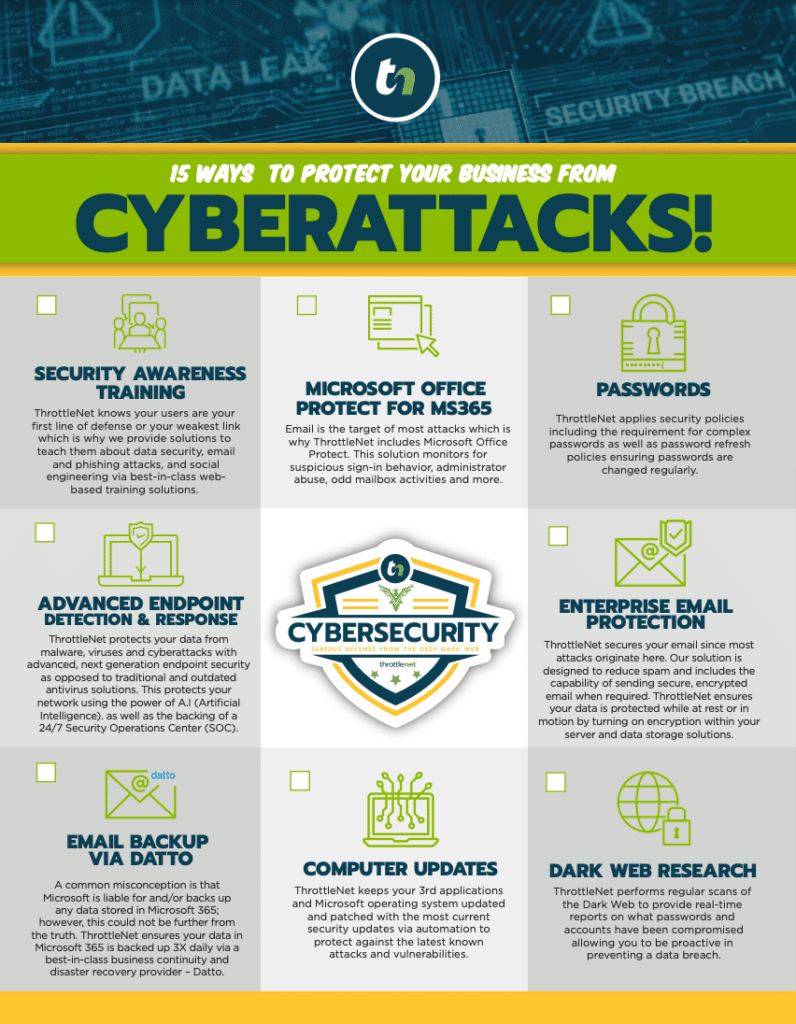

Imagine you’re managing IT for a mid-sized financial firm. You’ve locked down your network, deployed next-generation endpoint security, and set up a 24/7 Security Operations Center to watch for threats. You feel good about your compliance.
Then, you decide it’s time to clear out the storage room full of old servers. You hire a local moving and recycling company to haul them away.
That exact scenario happened to Morgan Stanley Smith Barney. Instead of using a certified IT Asset Disposition (ITAD) vendor, they hired a standard moving company to decommission thousands of hard drives. The result? Unencrypted devices containing the personal data of 15 million customers went missing, resulting in a staggering $35 million penalty from the SEC.
For financial institutions governed by the Gramm-Leach-Bliley Act (GLBA), a cyber breach doesn’t always come from a sophisticated hacker in a distant country. Often, it walks right out your front door in a cardboard box.
In this guide, we are going to translate the legal mandates of the FTC Safeguards Rule into a practical, actionable blueprint for IT departments. We’ll cover what GLBA actually demands, where hidden data lives in your office, and how to build an audit-proof hardware disposal framework.

Decoding GLBA: What the FTC Safeguards Rule Actually Demands
If you read through the Federal Trade Commission’s (FTC) guidelines, you’ll find plenty of legal phrasing but very little technical instruction. The Safeguards Rule states that financial institutions must ensure customer information is rendered “unreadable and unrecoverable” when disposed of.
But what does that mean for your IT team on a Tuesday afternoon when they are decommissioning a stack of old laptops?
To understand your liability, you need to know two critical things:
1. The “Unrecoverable” Standard
Taking a laptop to a local e-waste recycling facility does not meet GLBA standards. Neither does simply hitting “format” on a hard drive. Under GLBA, if a forensic recovery tool can pull data off a discarded drive, you are not compliant. The FTC requires verifiable destruction, not just casual deletion.
2. The 2-Year Ticking Clock (The 2021 Amendment)
Here is a major compliance blind spot that catches many firms off guard: In 2021, the FTC amended the Safeguards Rule with a strict data retention limit. Financial institutions are now legally required to dispose of customer information no later than two years after the last date the information was used.
You can no longer stockpile old hard drives “just in case” without risking massive compliance violations. If inactive data sits in your server room for three years, you are already failing your GLBA audit.
The 3 Pillars of Compliant Hardware Destruction
To bridge the gap between FTC law and IT reality, we look to the National Institute of Standards and Technology (NIST). Specifically, NIST Special Publication 800-88 provides the gold standard for media sanitization.
To meet GLBA requirements, your hardware decommissioning policy must follow one of these three NIST methodologies:
Pillar 1: Clear (The Software Approach)
Clearing uses software to overwrite data on a storage device. However, a standard “format” doesn’t actually erase your data; it simply deletes the “table of contents” so the computer doesn’t know where the files are. To properly Clear a device, you must use cryptographic erasure tools that overwrite every single sector of the drive with random data, making the original information unrecoverable by standard means. Best for: Laptops and mobile devices being repurposed within the same organization.
Pillar 2: Purge (The Advanced Erasure)
Purging goes a step further, using advanced physical or logical techniques (like firmware-level secure erase commands or degaussing—using powerful magnets to scramble data) to render data unrecoverable even in a laboratory environment. Best for: Magnetic hard drives that will be donated or resold.
Pillar 3: Destroy (The Physical Approach)
This is the most definitive way to ensure GLBA compliance. Destruction involves physically shredding, disintegrating, or pulverizing the storage media so that it ceases to exist as a readable device. Best for: End-of-life servers, Solid State Drives (SSDs), and all hardware containing highly sensitive financial records.
The Hidden Data Danger Zone: Office Tech You’re Forgetting
When we think of data destruction, we think of server racks and laptop hard drives. But today’s office environment is filled with “hidden” storage media. In fact, IT asset disposition experts routinely find dozens of active hard drives left behind in server cabinets and office equipment marked for recycling.
Before you sign off on a decommissioning project, check your “Hidden Data X-Ray”:
- Multifunction Printers and Copiers: Every time a document is scanned, copied, or printed, an image of that document is temporarily (and sometimes permanently) saved to an internal hard drive. Those old copiers contain tax returns, loan applications, and client IDs.
- Networking Gear: Routers and switches contain configuration files that hold network maps, passwords, and IP schemes—a treasure trove for threat actors looking for a blueprint to your network.
- Remote Worker Hardware: With decentralized teams, retiring hardware is a logistical nightmare. If an employee is allowed to “keep” their old work laptop without a certified IT engineer performing a NIST-compliant wipe, your firm is liable for the data still residing on it.
Building an Audit-Proof Decommissioning Blueprint
Fear of fines shouldn’t drive your IT strategy; solid frameworks should. If the SEC or FTC audits your firm tomorrow, a verbal promise from your recycling guy won’t save you. You need documented proof.
Here is how you build an audit-proof hardware disposal process:
1. Demand a Certificate of Destruction (CoD)
A Certificate of Destruction is a formal, legal document provided by a certified ITAD vendor. It proves that your hardware was destroyed according to NIST standards. To satisfy a GLBA audit, your CoD must include:
- The date and method of destruction
- The specific serial numbers of every hard drive or device destroyed
- The signature of the technician who performed the destruction
2. Maintain a Strict Chain of Custody
From the moment a server is unplugged to the moment it is shredded into metal confetti, you must know exactly who has it. If your vendor uses a third-party shipping company (the Morgan Stanley mistake), your chain of custody is broken. Ensure your ITAD partner uses secure, GPS-tracked vehicles and background-checked employees.
3. Vet Your Vendors Rigorously
Not all recyclers are created equal. When vetting a partner, ask:
- Are you NAID AAA or R2v3 certified?
- Do you scan and document individual serial numbers, or just weigh the bins?
- Do you offer on-site shredding so the data never leaves our premises intact?
Frequently Asked Questions About GLBA Hardware Disposal
What is the difference between an e-waste recycler and an ITAD vendor?
An e-waste recycler’s primary goal is environmental sustainability—keeping plastics and heavy metals out of landfills. An IT Asset Disposition (ITAD) vendor’s primary goal is data security and compliance. Only a certified ITAD vendor will provide the serial-number-level tracking and Certificates of Destruction required for GLBA compliance.
Do SSDs require different destruction methods than older magnetic hard drives?
Yes. Solid State Drives (SSDs) store data on microchips rather than magnetic platters. Because of this, traditional degaussing (magnets) will not erase an SSD. SSDs must be cryptographically wiped using specific software commands or physically shredded into fragments no larger than 2 millimeters to ensure data is unrecoverable.
Can our internal IT team handle physical data destruction?
While internal teams can perform software-based wiping (Clearing), physical destruction requires specialized industrial machinery. Furthermore, having a third-party certified vendor provide a Certificate of Destruction removes conflicts of interest and provides objective proof of compliance during an audit.
How does co-managed IT help with this process?
Many financial firms have an internal IT person who acts as a jack-of-all-trades. By partnering with a co-managed IT service, your internal team gains access to specialized experts—like a dedicated Virtual Chief Information Officer (vCIO) and compliance strategists—who handle long-term technology roadmaps, vendor management, and cybersecurity oversight, ensuring hardware lifecycles are managed securely and affordably.
Moving Forward: Don’t Let Old Hardware Become Your Biggest Liability
True business continuity isn’t just about keeping your servers running; it’s about ensuring data remains secure long after those servers are powered down. In the financial sector, where trust is your most valuable currency, compliance cannot be an afterthought.
Taking control of your hardware lifecycle requires strategy. This is why forward-thinking financial institutions partner with IT strategy teams that do more than just fix broken computers.
Having access to a dedicated vCIO (Virtual Chief Information Officer) means you have an executive-level strategist helping you map out technology lifecycles, manage 3rd-party vendor compliance, and build cybersecurity right into your budget. When backed by specialist teams—not generalists—you eliminate the guesswork of regulatory compliance.
At ThrottleNet, we believe in proactive, specialized IT management. With an industry-leading 90-second average response time, a 93% same-day resolution rate, and a multi-tiered help desk built for speed and accuracy, we ensure your firm’s technology is a growth engine, not a liability. And because we stand entirely behind our multi-layered security measures—including 24/7 SOC monitoring and NIST-standard compliance—we back our managed networks with an exclusive $500,000 Cybersecurity Protection Program.
You don’t need to navigate GLBA complexities alone. By integrating strategic IT planning with rigorous cybersecurity frameworks, you can confidently decommission your legacy systems, knowing your clients’ data—and your firm’s reputation—remain completely secure.