
It’s a typical St. Charles summer afternoon. The skies turn that ominous shade of Midwest green, the wind picks up, and before the first thunderclap even finishes echoing off the Missouri River, your office goes dark.
For a moment, everyone stops typing. Then the questions start.
Did anyone save that client presentation? Is the server still running? If the power stays out, how are we supposed to work tomorrow?
In St. Charles, power outages aren’t a matter of if, but when. Between summer severe weather, winter ice storms, and an aging electrical grid, businesses here face unique challenges. According to data from the Ponemon Institute, the Midwest averages roughly three severe power outages every two years, with primary-utility outage losses frequently exceeding 100 minutes at a time.
But here is the real issue: most businesses treat a power outage as a facilities problem—a matter of keeping the lights on. In reality, a sudden loss of power is an IT crisis. It’s not just about the dark; it’s about the data corruption that happens in the dark.
Let’s pull back the curtain on how modern IT infrastructure actually prevents data loss, and how you can build a resilient continuity plan that keeps your St. Charles business running, no matter what the weather is doing outside.

The Hidden Threat: The Danger of the “Micro-Outage”
When we think of power outages, we imagine multi-day blackouts. But in the world of technology, a three-second power blip can be just as catastrophic as a three-day storm.
Why? Because servers and databases are constantly reading and writing data. If the power cuts out mid-write, that data can become instantly corrupted. It’s the digital equivalent of someone ripping a book out of your hands while you’re in the middle of writing a sentence with a pen—it leaves a mess.
The Uptime Institute’s Annual Outages Analysis reveals a startling fact: power issues are the number one cause of severe IT outages. Furthermore, 54% of serious outages cost businesses over $100,000.
A power outage doesn’t just stop your team from working; it actively threatens the integrity of the data you’ve already created.
Myth vs. Reality: Demystifying Backup Power
To protect your business, we first have to clear up some of the most common beginner misconceptions about backup IT power.
Myth 1: Surge protectors provide backup power.
Reality: A surge protector is just a bouncer at the door of your electronics. It blocks sudden spikes in electricity (like a lightning strike) from frying your computer. It does absolutely nothing to keep your devices running when the power drops.
Myth 2: A UPS will run my office all day.
Reality: A UPS (Uninterruptible Power Supply) is a battery backup, but its purpose is widely misunderstood. Most TOFU searchers think a UPS will run their business for hours. In reality, a standard UPS acts as a short-term bridge—usually providing 10 to 30 minutes of power. Its true job is to keep your servers alive just long enough to trigger a safe, automated shutdown or to give your physical generator time to kick on.
Myth 3: Cloud data is immune to local outages.
Reality: Storing your data in the cloud (like Microsoft 365 or Azure) is incredibly secure, but there’s a catch. If your local power goes out, your office internet goes down with it. Without backup internet routing, that safe cloud data becomes completely inaccessible to the employees sitting in your dark office.
The True Cost of Downtime (Calculate Yours)
Understanding your IT vulnerability starts with understanding what an hour of downtime actually costs your business. You can calculate your baseline hourly downtime cost using this simple formula:
(Total Number of Employees × Average Hourly Wage) + Lost Hourly Revenue = Hourly Cost of Downtime
If you have 20 employees averaging $35/hour, and your business generates $2,000 an hour in revenue, a single hour of downtime costs you $2,700. Suddenly, the investment in a robust IT Business Continuity Plan (BCP) makes perfect financial sense.
The 3-Tiered IT Continuity Framework: Prevent, Preserve, Recover
How do professional managed IT services providers keep operations seamless during a blackout? They rely on a specific three-phase framework.
Phase 1: Emergency Response (Minutes 1-15)
The moment the utility grid fails, the clock starts.
- The UPS Bridge: Your UPS devices immediately take over, keeping servers and critical network switches powered.
- Automated Safe-Shutdowns: If you don’t have a generator, your IT systems should be configured to automatically begin saving open files and safely shutting down databases to prevent corruption. This happens behind the scenes without human intervention.
Phase 2: Crisis Management (Hours 1-12)
The power is officially out for the long haul. Now, it’s about keeping the business moving.
- Cellular and Hotspot Failovers: Modern IT setups use secondary internet connections, such as cellular 5G backups, so if your primary fiber line dies, the network automatically switches over.
- Remote Work Pivots: Because your data is safely backed up in the cloud, employees can seamlessly transition to working from home or a local coffee shop with Wi-Fi, experiencing zero friction.
Phase 3: Disaster Recovery
The power comes back on. But you don’t just flip a switch and hope for the best.
- Safe Power-Up Sequencing: Servers must be booted up in a specific order to ensure firewalls and network security protocols are active before databases come back online.
- Data Verification: A quick, automated audit ensures no files were corrupted during the initial drop.
The Managed IT Advantage: Invisible Safety Nets
Managing this level of infrastructure is difficult for a small internal team, let alone an office manager juggling a dozen other tasks. This is where partnering with a specialized managed IT services provider transforms how you handle adversity.
At ThrottleNet, we take turnkey responsibility for making business continuity an invisible safety net. Because we utilize a unique multi-tiered help desk rather than a small team of generalists, our specialist engineers average an industry-leading 90-second response time. If a storm knocks out your St. Charles office, our 24/7 monitoring detects the power drop instantly.
Furthermore, true business continuity requires strategic foresight. Instead of just fixing things when they break, a dedicated Virtual Chief Information Officer (vCIO) works with your leadership team to map out geographic data redundancy, automate cloud failover, and manage your IT budget.
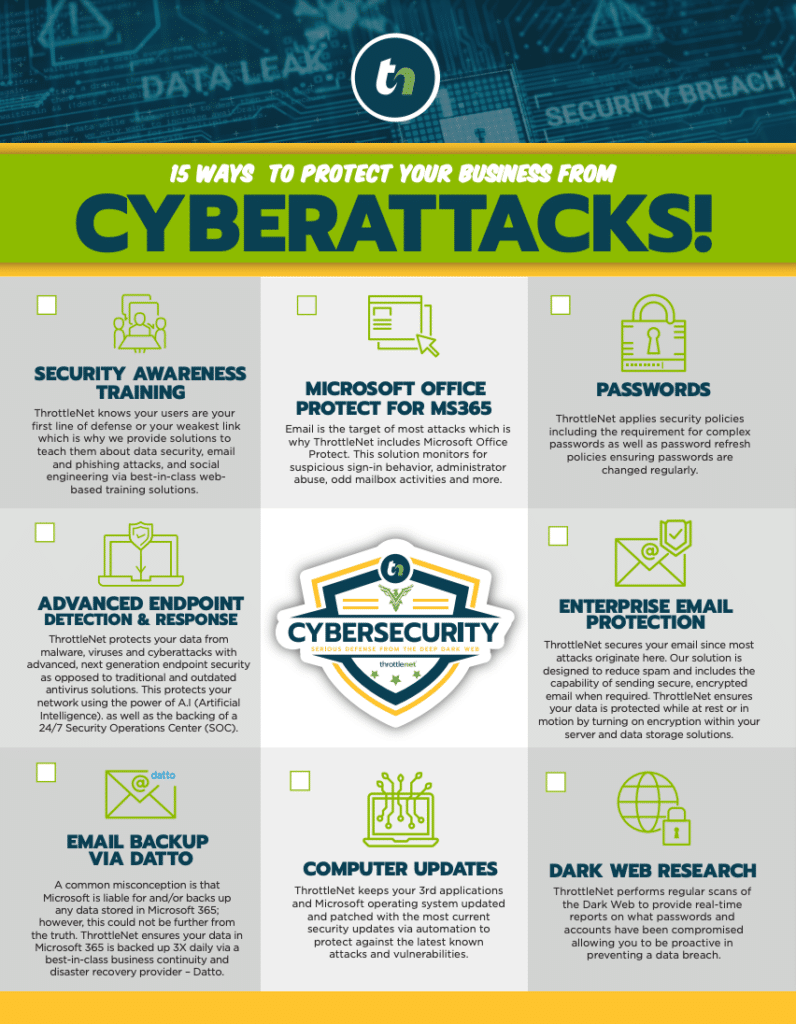
And because power outages frequently disable local security systems—creating prime opportunities for cyberattacks—we embed advanced cybersecurity directly into our managed services. With a 24/7 Security Operations Center and a $500,000 cybersecurity protection program, your data stays protected even when the local grid goes down.
Your St. Charles Power Outage IT Checklist
Ready to protect your business? Start with these actionable steps:
- Inventory Your UPS Devices: Check the batteries. UPS batteries typically degrade every 3-5 years. If they are older than that, they may fail exactly when you need them.
- Audit Your Internet Redundancy: Ask your IT team: If our primary internet provider goes down in a storm, do we have an automated cellular backup?
- Review Off-Site Backups: Ensure your Microsoft 365 or Google Workspace data is actually being backed up. (Note: Microsoft guarantees the infrastructure, but you are responsible for backing up your data).
- Test the Plan: Schedule a mock outage. Shut off the main breaker for your server room (safely!) and see if your automated protocols actually work.
Frequently Asked Questions (FAQs)
What is the difference between Business Continuity and Disaster Recovery?
Think of Business Continuity as the umbrella strategy to keep your business running during a crisis (like routing employees to work from home using cloud tools). Disaster Recovery is a specific subset of that plan focused purely on restoring your IT systems and data after they have gone offline.
Will my surge protector keep my computer on during a blackout?
No. Surge protectors only block sudden voltage spikes from damaging your hardware. To keep a computer running when the power drops, you need an Uninterruptible Power Supply (UPS).
If our data is in the cloud, why do we care about local power?
Because your employees need local power and internet to access that cloud! If your St. Charles office loses power and you don’t have cellular failover or a remote work policy, that perfectly safe cloud data is completely inaccessible to your team.
Why do short power “blips” cause so much IT damage?
Computers and servers are constantly writing temporary data. If the power drops abruptly—even for two seconds—the machine shuts down mid-task. This often corrupts the operating system or the specific database file being written, leading to total data loss or expensive recovery efforts.
Ready to Storm-Proof Your Operations?
You can’t control the St. Charles weather, but you can absolutely control how your technology responds to it. Building a resilient, fully automated IT infrastructure doesn’t just protect your data; it protects your bottom line and your peace of mind.
If you’re unsure whether your current IT setup can survive the next major outage, it might be time for a fresh perspective. Exploring managed IT services with a dedicated vCIO can help you identify your exact vulnerabilities and build a roadmap that ensures when the lights go out, your business keeps moving forward.